If you've heard of OnStream but never tried it, start here. This guide explains what the OnStream app is, what it can do, which phones and TV devices it runs on, and how the OnStream download and installation work on Android and Fire TV. Known problems and user complaints are gathered in one section near the end, so you can read them before you install anything.
What Is OnStream?
OnStream APK download is a free streaming app for watching movies and TV series on Android devices. It works like an on-demand catalog: you browse or search for a title, open its page and press play. There is no subscription, and you can watch without creating an account.
The app isn't available on Google Play. It is shared as an APK, the installation file Android apps come in, which is why most people search for the OnStream APK instead of looking in an app store. There are two editions: a mobile version for phones and tablets, and a TV version with a remote-friendly layout for Android TV and Fire TV devices.
OnStream is known as an auto-play app. It finds a source and starts the video as soon as you pick a title, so you never sort through a list of links.
OnStream App at a Glance
| DETAIL | INFORMATION |
|---|---|
| App name | OnStream APK Download |
| Category | Movies and TV shows |
| Price | Free |
| Latest version | V1.2.0 |
| Package name | com.maertsno.m |
| APK size | About 18 MB |
| Requires | Android 6.0 or later |
| Account | Optional (email or Google) |
| Google Play | Not listed |
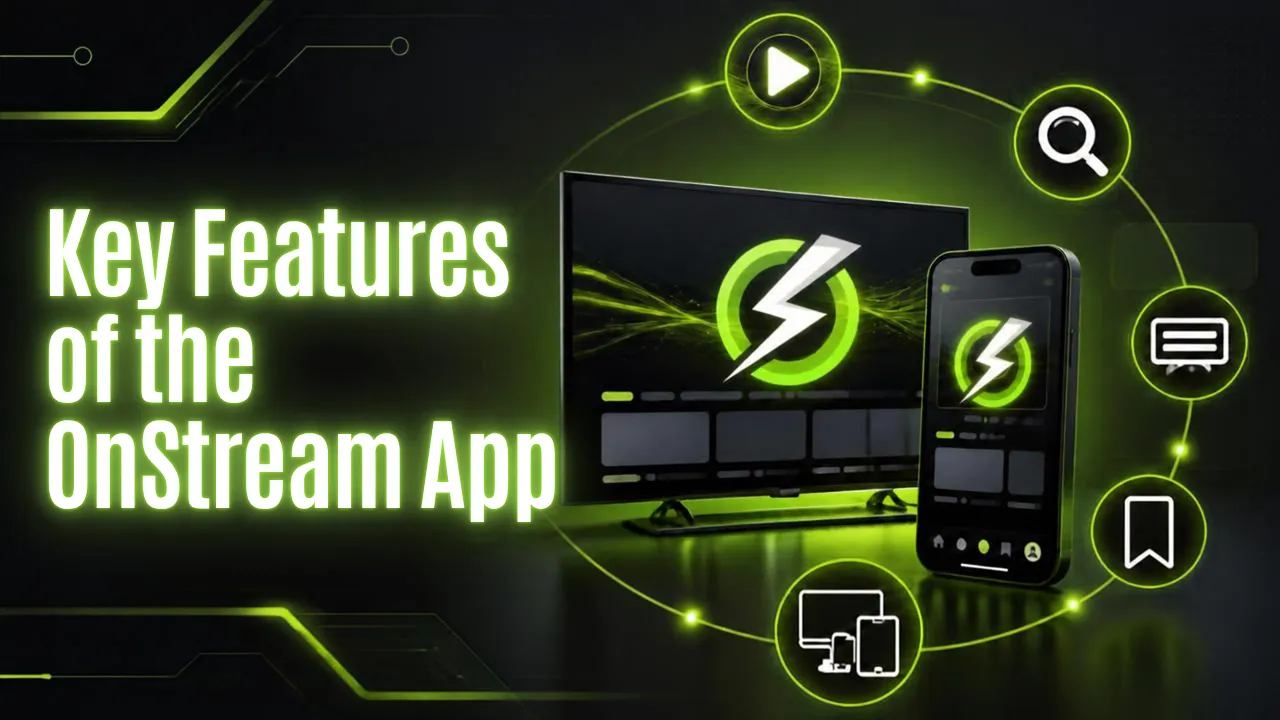
Key Features of the OnStream App Download
The OnStream app download APK keeps things simple, but it has more settings than most free apps. Here are the main features in version 1.1.7.
- Movies and TV series in one place: Browse the Trending, Popular and Latest lists, or filter by genre, country and release date. Each title page shows the IMDb rating, cast, plot overview, trailer and related titles, and TV shows are sorted by season and episode.
- One-tap playback: Choose a movie or episode and it starts playing right away.
- Quality up to Full HD: Choose Auto, 360p, 480p, 720p or 1080p, and set a default quality so the app never uses more data than you want.
- Custom subtitles: Pick a subtitle track, then change the font, text size, text color, background and position. A delay setting fixes subtitles that run ahead of or behind the audio.
- Handy player controls: Switch between Fit, Fill and Zoom, lock the screen or the rotation, skip ahead 10 seconds with a tap and change the audio track.
- Offline downloads: A download button on movies and episodes lets you save videos for later. Some titles hand the file over to an external download manager.
- Chromecast and external players: Cast videos to your TV with Google Cast, or open them in another video player app you already use.
- Free account with sync: Sign in with an email address or a Google account to keep your favorites, watch list, history and viewing progress in sync across devices. You can also pick a profile picture.
- Trakt support: Connect a Trakt account to bring in your Trakt profile and watchlist.
- Easy TV sign-in: The TV Login option uses a short-lived security code, so you don't have to type a password with a remote.
- Update alerts and problem reports: The app tells you when a new version is out and lets you report a title that won't play.
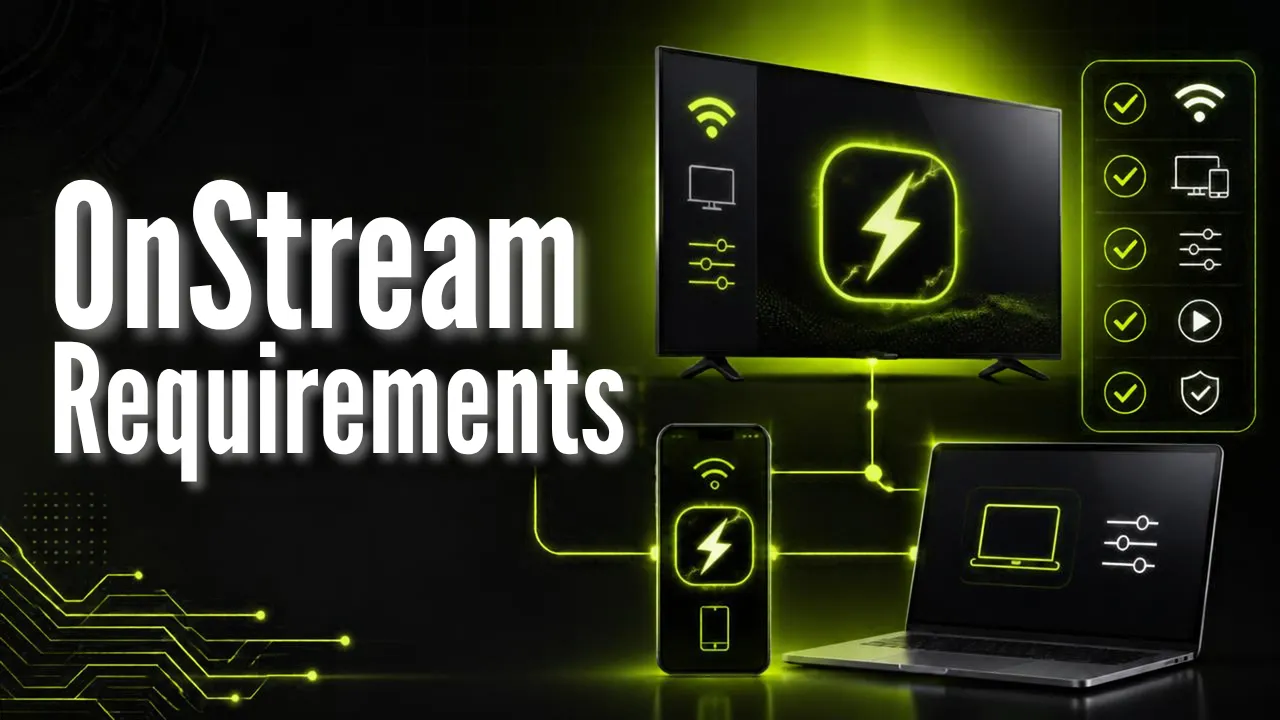
OnStream App Download Requirements
OnStream is a small app and runs on most Android devices from the last several years. Before you start the OnStream download, check that your device meets these requirements:
| REQUIREMENT | DETAILS |
|---|---|
| Android version | Android 6.0 (Marshmallow) or newer |
| Fire TV | Fire OS 6 or newer, which covers most Fire TV models sold since 2018 |
| Processor | ARM chip (64-bit or 32-bit), used in nearly all phones, tablets and TV sticks |
| Free storage | About 100 MB for the app and its cache, plus room for downloads |
| RAM | 2 GB or more recommended for smooth HD playback |
| Internet | About 3 Mbps for 720p and 5 Mbps for 1080p |
| Settings | Permission to install apps from unknown sources |
There is OnStream for iOs, iPad or Apple TV, Onstream for TV. On a Windows PC, you can run the Android version inside an emulator such as BlueStacks.
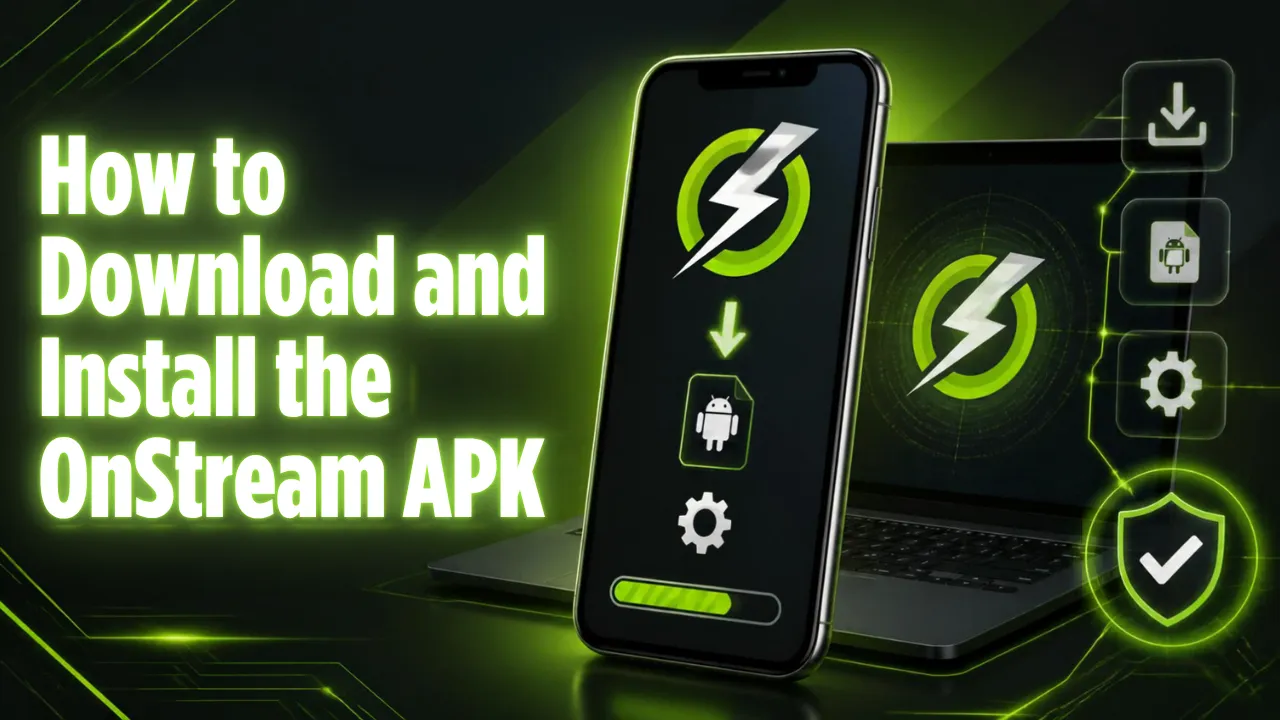
How to Download and Install the OnStream APK
Because the OnStream Android version isn't on Google Play or the Amazon Appstore, you install it by hand. This is called sideloading, and it only takes a couple of minutes.
On an Android Phone or Tablet
- Tap the OnStream download button on this page to save the APK file (about 18 MB).
- Open the file from your notifications or the Downloads folder.
- If Android blocks the install, tap Settings and allow your browser to install unknown apps. On Android 6 and 7, turn on Unknown sources under Settings > Security instead.
- Tap Install, wait a few seconds, then tap Open.
- Skip sign-in to start watching right away, or log in to sync your lists.
On a Fire TV Stick or Android TV
- Install the free Downloader app from the Amazon Appstore or Google Play.
- On Fire TV, go to Settings > My Fire TV > Developer Options > Install unknown apps and turn it on for Downloader. If Developer Options is missing, open Settings > My Fire TV > About and click your device name seven times. On Android TV or Google TV, the switch is usually under Settings > Apps > Security & restrictions > Unknown sources.
- Open Downloader, enter the OnStream download link and select Go. Pick the TV version if one is offered.
- Choose Install when the download finishes, then open OnStream Movie App from your apps list.
OnStream for PC
Install an Android emulator such as BlueStacks, then drag the OnStream APK into its window. It then opens like any other Android app.
Frequently Asked Questions
- Is OnStream free?
Yes. There is no subscription or payment, and the optional account is free too.
- Do I need an account to use the OnStream app?
No. You can watch without signing in. An account only adds syncing for your favorites, watch list and history, plus Trakt support.
- Is OnStream on Google Play?
No. The OnStream APK is shared outside app stores, so you install it with the steps above.
- Is there an OnStream app for iPhone?
No. OnStream runs on Android phones and tablets, Android TV and Fire TV devices. iPhones and iPads can't install APK files.
- Can I use OnStream on a PC?
Yes. Install an Android emulator such as BlueStacks on Windows, then add the OnStream APK to it.
Final Thoughts
OnStream Movie app is a simple, free app for movies and TV series, with a clean layout, flexible subtitles, Full HD playback, Chromecast support and optional syncing. Its requirements are modest: Android 6.0 or later, about 18 MB for the OnStream APK and a steady internet connection. Before you start the OnStream download, read the known issues above so you know what to expect, and install the app only from a source you trust.